
PVP: Accessing the Computer
The PVP computer is accessible through two methods.
A. Walk down to the server room and use the monitor/keyboard on the floor behind the server rack.
B. Open the "Screen Sharing" app from another (mac) computer on our network. Find the PVP computer in the "network" list.
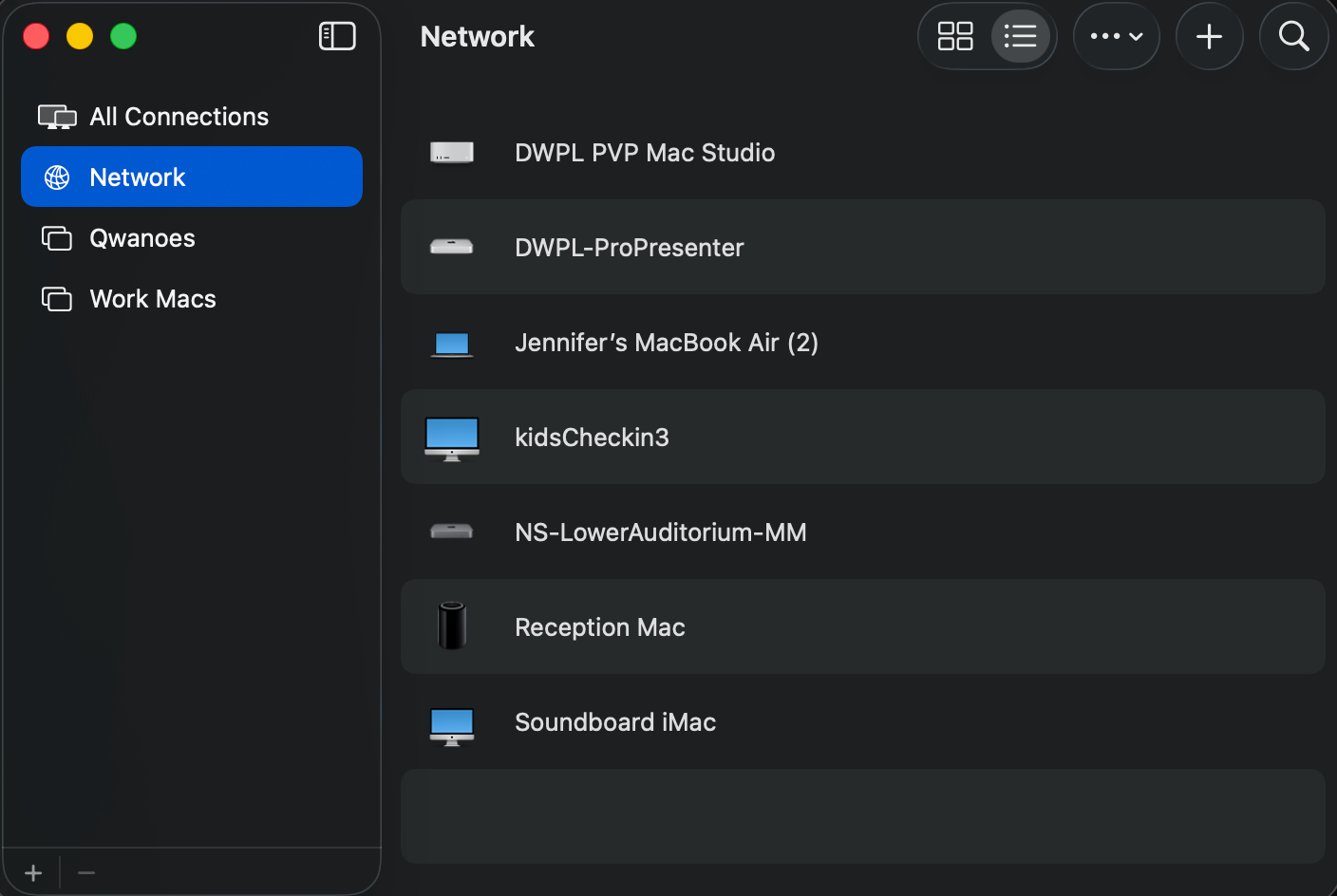
Alternatively, you can access it via it's IP, 10.1.20.104 . This IP shouldn't ever change, but if it doesn't work, let the TD know.
Once you've done that, you may be prompted for a password (if the password isn't saved already). The passwords are not shown here since this is a public document accessible to anyone on the internet. The account you need to use to log into screen sharing is remotedesktop.
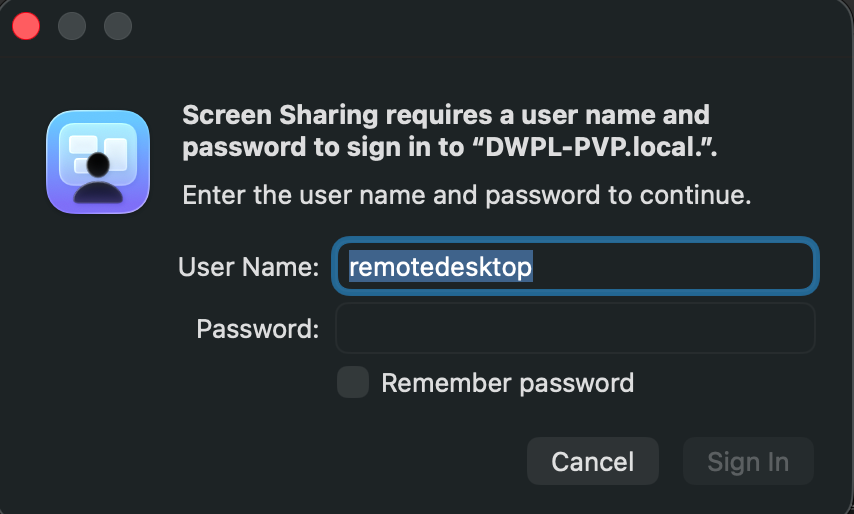
Press sign in, then you'll be prompted with this screen:
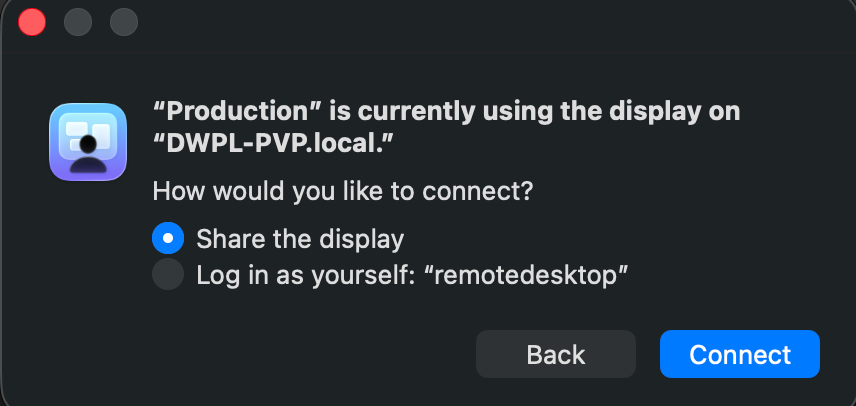
You want to share the display. Simply press Connect.
Once connected, you should be met with either the PVP interface or the macOS login page. You should have been given the macOS login information.
No comments to display
No comments to display