
Theme Configuration
Now that you've mastered screens and looks, you'll need something to assign to those theme overrides.
Let's go to the Theme Editor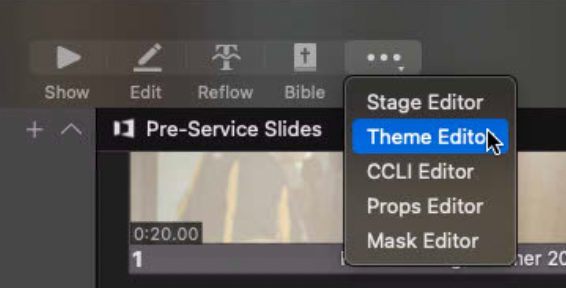
And behold! It's the magical... regular slide editor?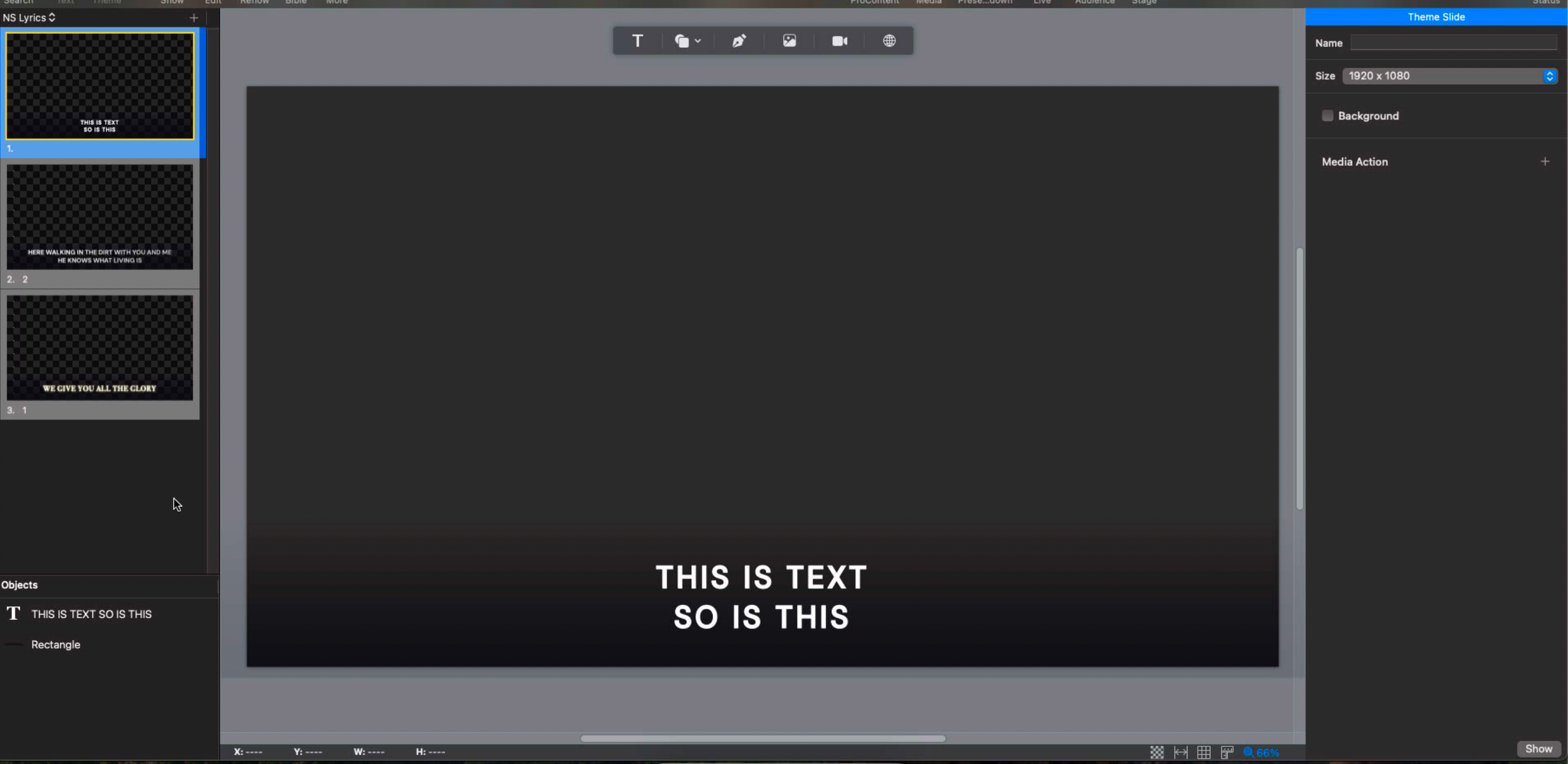
Yup, themes are just regular slides. You can change what family of theme you're working on in the top left (NS lyrics dropdown). You can name your theme slide and adjust the size (theme slides must be designed for a specific screen size, or else they'll scale wrong). You can add text, shapes, images, and all the other normal things you'd expect in a slide. When you select the theme for your presentation/look/slide, ProPresenter will match all the elements it can find (text, images, video inputs) and replace the contents of the theme slide with the elements from the slide in your presentation. Anything it can't find will be left as-is from the theme slide. You can think of it as always showing the theme slide, but substituting out the text with text from your presentation slides.
That sure was a short chapter.
No comments to display
No comments to display